

ADR and post-sync — what it is and how it's made
ADR and post-sync are the re-recording of dialogue in the studio and synchronizing it with the finished picture. It is used whenever the on-set sound is too weak to come through in the final mix — and that happens more often than most viewers think.
What the abbreviation ADR means
ADR stands for Automated Dialogue Replacement. In Polish film terminology we speak of post-sync — re-recording a line after shooting and syncing it to the movement of the actor’s lips on screen. Both terms describe the same process; the difference is purely linguistic.
The actor stands at the microphone, watches their scene on a monitor and reproduces the same line — trying to capture the emotion, rhythm and length of the original. The recording is usually done in several takes, and the sound editor selects the best approach and nudges it to the picture.
When dialogue is re-recorded
Post-sync is not a sign of a mistake — it is a normal stage of post-production. The most common reasons are:
- On-set noise — traffic, wind, a generator, a plane or the murmur of the crew, which cannot be removed without destroying the voice.
- A change of line — the director or the edit decides on different text once the scene is already shot.
- Unclear diction or bad perspective — the microphone was too far away, the actor spoke with their back to the camera.
- Dubbing and language versions — the entire dialogue track is created from scratch in the studio.
- Animation and advertising — here the voice is practically always recorded under studio conditions.
On language versions the first pass of the track is sometimes generated by a model these days — the pick-ups in the booth, the sync and the dialogue editing then stay exactly the same, which is what we describe under AI dubbing .
If you’re not sure whether your material needs re-recording, just send us a sample — we’ll assess it as part of voice recording .
What an ADR session looks like step by step
1. Preparing the list of lines
Before the actor enters the booth, we prepare a so-called cue sheet — a list of all the lines to be re-recorded, with timecodes. This keeps the session efficient and no one is searching for scenes on the fly.
2. Recording to picture
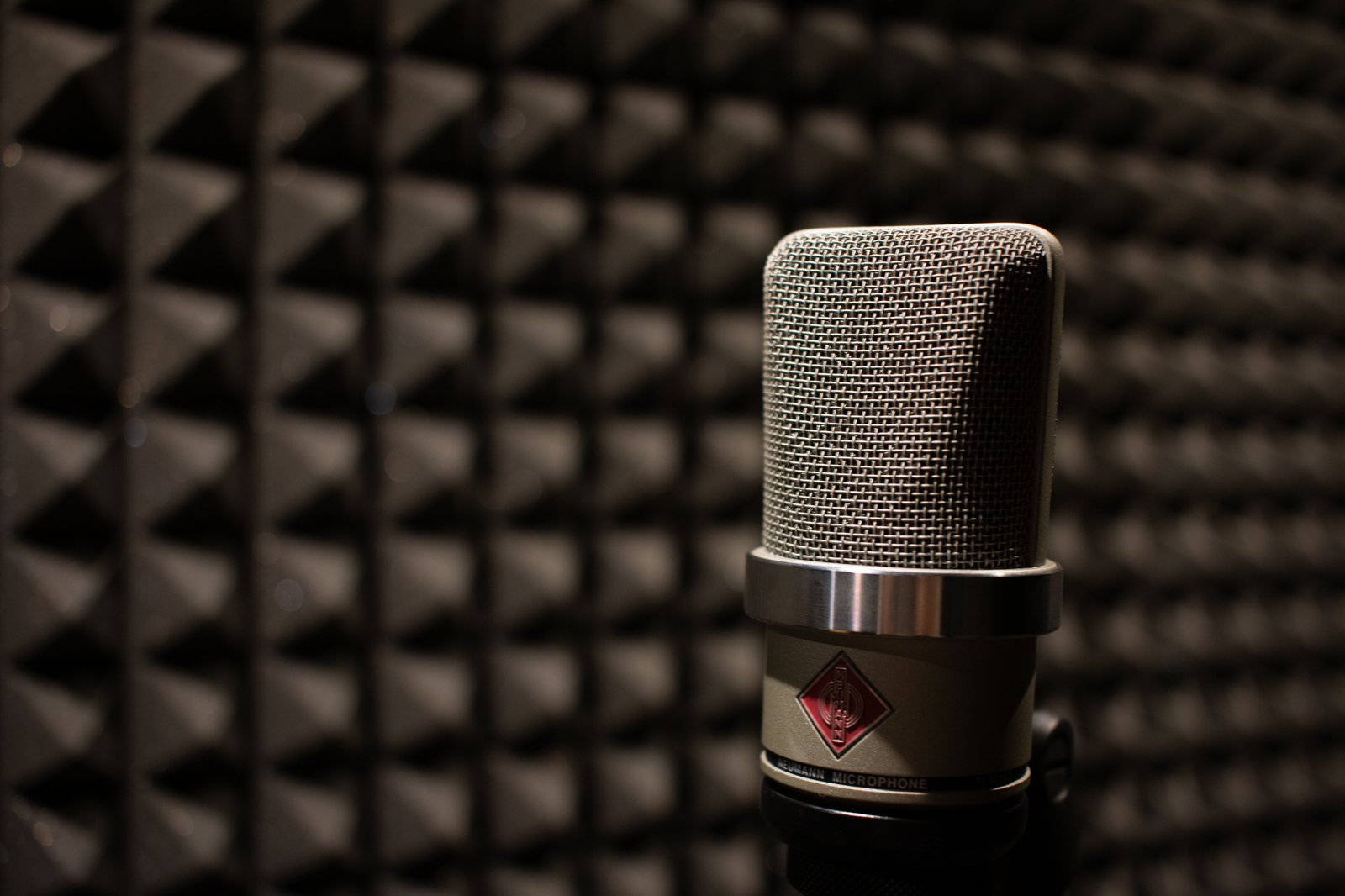
The actor sees the scene on screen and hears the original track in the headphones (the so-called guide track). We record on a Neumann TLM 102 microphone, which faithfully captures the timbre of the voice and works well for both whispers and shouts. We repeat each line as many times as needed to catch the right emotion.
3. Selecting takes
The director or engineer selects the best approaches. We pay attention not only to the sync, but also to energetic consistency with the rest of the scene.
4. Synchronization and editing
In Pro Tools Ultimate the editor positions the recording frame by frame, so the words line up with the lip movement. This is the most painstaking stage — sometimes individual phonemes are shifted or the recording is gently stretched to hit the picture perfectly.
5. Folding into the soundtrack
The synchronized dialogue goes on for further processing: levelling, removing breaths, matching the acoustics to the scene. A re-recorded line has to sound as if it was said on set — which is why it is given reverb matching the interior or exterior, along with appropriate sound effects and background .
How to prepare for the session as an actor
A few simple things make the session go more smoothly and sound better:
- Watch the scene beforehand, if possible — it’s easier to get into the emotion when you know the context.
- Don’t “play to the sync” at the expense of truth — emotion and natural rhythm first, we’ll match the sync in the edit.
- Repeat the breaths and pauses — in a physical scene (running, a fight) the breath is part of the dialogue and we record it too.
- Take care of your voice — hydration and a warm-up help, especially with shouting or long lines.
The director and engineer are there to guide — you don’t have to know the technical side of the process. Your job is to act; the studio takes care of the rest.
Why it’s worth doing in a studio
A home recording on a phone or laptop cannot later be “pasted” into a professional mix — the difference in timbre, noise and perspective is audible immediately. A soundproofed booth, a precise microphone and an experienced engineer make a re-recorded line disappear into the scene rather than stick out of it. With us, sessions are run by Olga, who edits dialogue for productions for Netflix and BBC on a daily basis.
How much does ADR cost?
The price depends on the number of lines, the number of actors and the length of the material — a single scene is billed differently from a feature film. Treat this as a guide: we’ll prepare an exact quote and schedule after viewing the material. Write via the contact form or call +48 602 736 922.
Summary
ADR and post-sync are the standard way to save dialogue that couldn’t be recorded well on set — or to build an entire voice track from the ground up. The key is good acoustics, the right microphone and patient synchronization.
Have material where the dialogue is lost in the noise? Get in touch with us — we’ll listen to a sample and suggest the best solution.
Frequently asked questions
How does ADR differ from post-sync?
It is practically the same process — re-recording dialogue in the studio and synchronizing it with the picture. ADR (Automated Dialogue Replacement) is the English-language term, while post-sync is its Polish equivalent.
When is ADR needed?
When the on-set dialogue is noisy, unclear or a line needs to be changed, and also in dubbing, animation and advertising, where the voice is recorded entirely in the studio.
How long does an ADR session take?
It depends on the number of lines and actors. A short scene is an hour or two; a feature film is re-recorded across several sessions spread over days.
Does the actor have to hit the sync perfectly?
They don’t have to get it right away — that’s our job. The actor performs the line to picture, and the editor matches the recording frame by frame in Pro Tools.